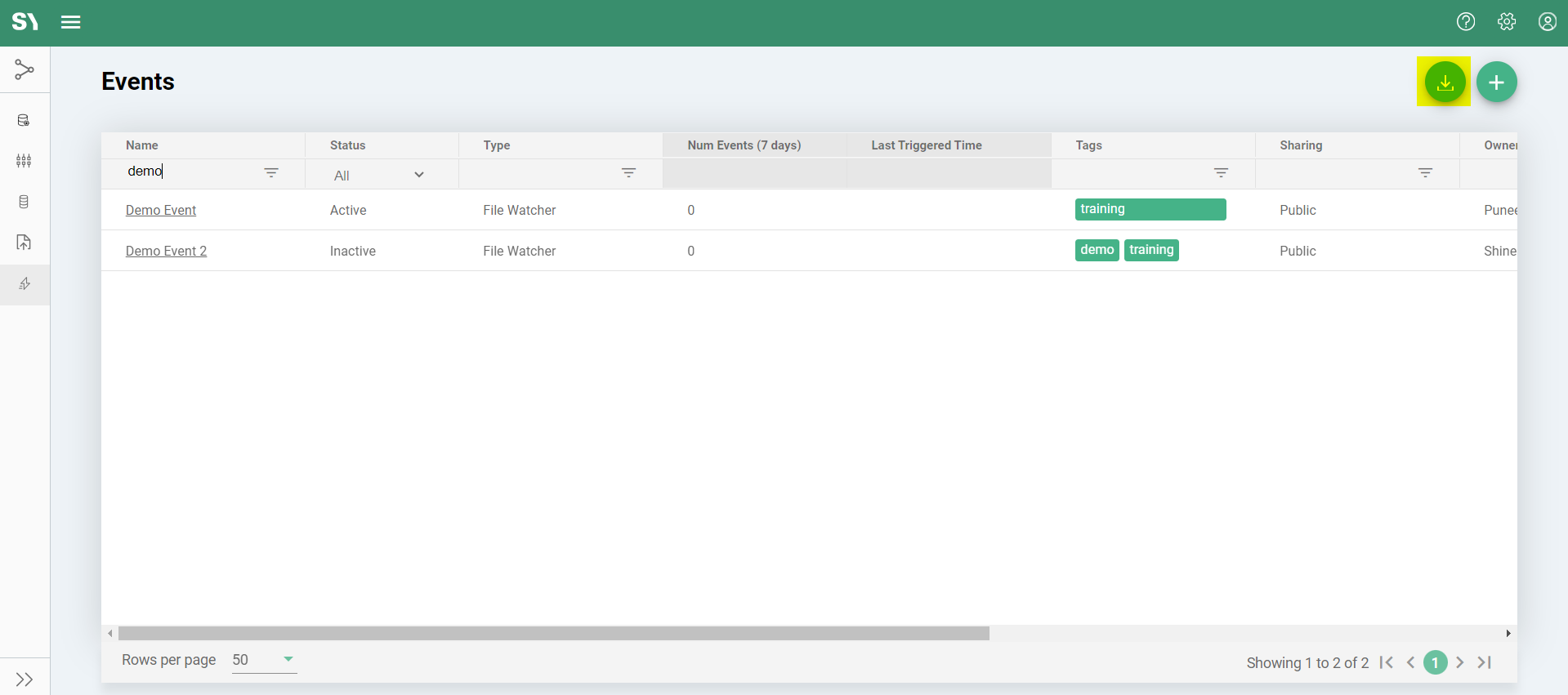
Events Download
Managing and analyzing events effectively is crucial for streamlined operations in any system.The Syntasa platform offers a convenient feature to download the events list for offline analysis or record-keeping. Here’s a simplified guide on how to download the events list from the Resources section in Syntasa:
- Go to Resources > Events.
- Click the Download icon(
 ) in the upper-right corner.
 - The file will be automatically downloaded to your system.